
Welcome to igsty In the current era of instant messaging, WhatsApp has become one of the most widely used applications worldwide for both personal and professional communication. Among the features that many users frequently notice and often inquire about is the functionality called read receipts in WhatsApp. This feature indicates whether a message has been delivered and read by the recipient, influencing how users communicate, interpret responses, and manage expectations in digital conversations.
Read receipts in WhatsApp are essential because they provide clarity regarding message delivery and engagement. They allow users to know whether their messages have been seen, which can help in planning follow-ups, understanding recipient behavior, and maintaining effective communication. This article provides a detailed exploration of read receipts in WhatsApp, explaining how they work, how to manage them, and their significance for privacy and messaging effectiveness.
What Are Read Receipts in WhatsApp
Read receipts in WhatsApp are visual indicators located next to messages that show the status of message delivery and whether the message has been read. Understanding this feature requires familiarity with the symbols used by WhatsApp and how they change as the message progresses from being sent to being read.
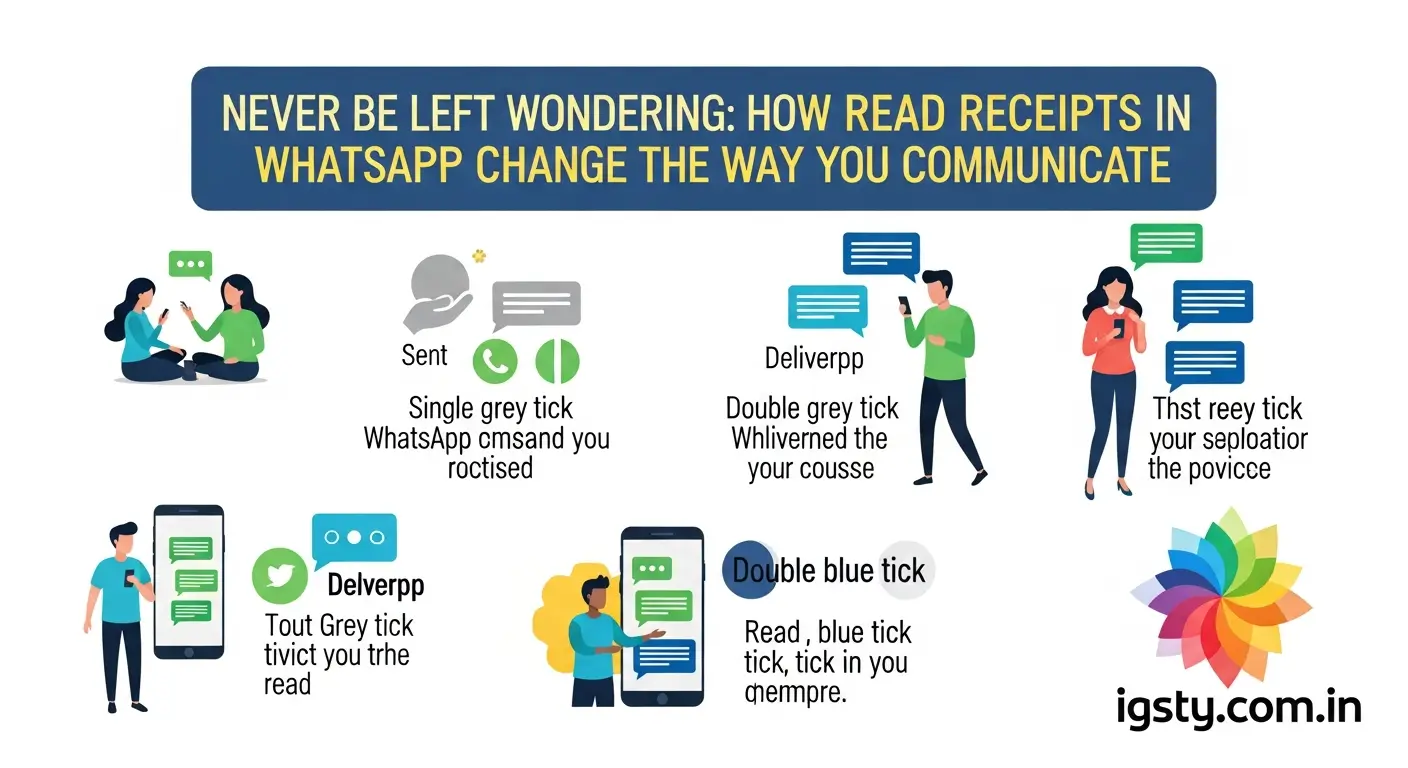
When a user sends a message on WhatsApp, a single grey check mark appears beside the message. This indicates that the message has been successfully sent to the WhatsApp server and is awaiting delivery to the recipient. Once the message is delivered to the recipient’s device, two grey check marks appear. This means the message has reached the intended device but has not necessarily been read. Finally, when the recipient opens the message, the grey check marks turn blue, signifying that the message has been read.
“Read receipts in WhatsApp are visual indicators that confirm message delivery and reading status.”
This system allows users to track their messages effectively. It is important to note that the behavior of these indicators can vary depending on the recipient’s privacy settings and the type of chat, such as individual messages, group messages, or voice messages.
Read Also: Shillong Teer Common Number WhatsApp
How Read Receipts Work in Different Scenarios

The operation of read receipts in WhatsApp differs depending on whether the chat is individual, group-based, or includes voice messages. The context of the conversation and the privacy settings of participants also influence how read receipts appear.
Individual Chats
In one-on-one conversations, the read receipt system is straightforward. The progression from one grey check mark to two grey check marks and finally to two blue check marks provides clear information about the message status. Two blue check marks indicate that the recipient has read the message, while two grey check marks indicate only that the message has been delivered to the recipient’s device.
Group Chats
Results In group conversations, read receipts function differently. When a message is sent in a group, two grey check marks indicate that the message has been delivered to all participants. To determine which group members have read the message, the sender must access the message information section. This section lists all participants who have seen the message and those who have not.
Group chats require this additional step because multiple participants may read messages at different times. Even if some members have read the message, the two grey check marks remain until all participants have received the message.
“In group chats, message information reveals which participants have read your message, providing transparency within the group.”
Voice Messages
Voice messages also employ read receipts but use a slightly different visual indicator. When a recipient plays a voice message, the microphone icon next to the message turns blue. This signifies that the recipient has listened to the message. Voice message read receipts are not affected by the general read receipt settings of the recipient and remain visible even if read receipts are disabled for text messages.
Importance of Read Receipts
Read receipts in WhatsApp serve multiple purposes, affecting both personal and professional communication. They are not merely decorative features but tools that provide insight into message engagement and help manage communication expectations.
One of the primary functions of read receipts is to allow users to gauge the responsiveness of their contacts. When a message is seen, users can anticipate a potential reply or follow-up action. This feature is especially valuable for time-sensitive communications where immediate attention is required.
Additionally, read receipts support accountability in communication. In professional contexts, team members can confirm that important instructions or announcements have been viewed. This reduces misunderstandings and ensures that critical messages are not overlooked.
However, read receipts also carry certain social implications. Some individuals may feel pressured to respond immediately after a message has been read, which can create stress. Managing this expectation is part of using read receipts effectively.
“Read receipts influence conversational dynamics by confirming message engagement while also affecting response expectations.”
How to Enable or Disable Read Receipts
WhatsApp provides users with the ability to control read receipt visibility. Adjusting this setting allows individuals to decide whether others can see when they have read messages. The process is simple and can be customized based on personal preferences.
Steps to Manage Read Receipts
- Open WhatsApp on your device.
- Navigate to the settings menu by tapping the settings icon.
- Select the account option, followed by privacy.
- Locate the read receipts option and toggle it on or off as desired.
“Managing read receipt settings allows users to balance privacy and visibility according to their communication needs.”
By controlling read receipts, users can reduce pressure, maintain privacy, and still communicate effectively with their contacts.
Implications of Disabling Read Receipts
Disabling read receipts has both advantages and trade-offs. While it enhances privacy by preventing others from knowing when messages are read, it also limits the user’s ability to track engagement with their own messages.
Advantages
- Provides increased privacy and control over message activity.
- Reduces the pressure to respond immediately after reading a message.
- Allows users to read messages without signaling engagement to others.
Limitations
- Users cannot see whether recipients have read their messages.
- Does not affect read receipts in group chats or voice message playback indicators.
- May cause uncertainty about whether critical messages have been seen.
“Disabling read receipts increases privacy but limits visibility into message engagement.”
Understanding these implications is vital for making informed decisions about WhatsApp privacy settings.
Read Receipts in Group Chats
Group chats operate differently from individual chats in terms of read receipts. The complexity arises because messages are sent to multiple recipients who may view the message at different times.
When a message is sent to a group, two grey check marks indicate that the message has been delivered to all participants. To determine which members have read the message, the sender can tap on the message and select message information. This section lists all recipients who have read the message and those who have not.
Unlike individual chats, disabling read receipts does not affect group messages. Even if a user has disabled read receipts for individual messages, their read status in a group will still be visible to other participants.
“Group chat read receipts provide detailed engagement information by showing which participants have read each message.”
This feature ensures transparency and accountability in group communication, particularly in professional or collaborative settings.
Common Misconceptions About Read Receipts
There are several misconceptions about how read receipts in WhatsApp function. Understanding these can help users interpret message indicators accurately.
- Read Receipts Show Online Status: Read receipts indicate that a message has been opened, not whether the recipient is online or actively engaged.
- Disabling Read Receipts Hides Last Seen: These are separate privacy settings. Disabling read receipts does not affect the visibility of the last seen status.
- Voice Messages Are Hidden: Even if read receipts are disabled, voice message playback indicators remain visible.
- Group Messages Are Unaffected: While visual indicators may differ, group chat read information is still accessible through message information.
“Read receipts indicate message engagement but do not necessarily reflect online activity or presence.”
Clarifying these misconceptions helps users make informed decisions about privacy and communication.
Practical Uses of Read Receipts in Personal Communication
Read receipts are valuable in personal communication for multiple reasons. They provide assurance that important messages have been received and viewed.
For instance, if a user sends a message to confirm plans with family or friends, the blue check marks confirm that the message has been seen, allowing for timely coordination. Similarly, read receipts are useful in sensitive or urgent conversations, where confirmation of message engagement is important.
Additionally, read receipts can aid parents or caregivers in ensuring that important instructions have been received. This functionality supports responsible and effective communication within families.
“Read receipts provide reassurance in personal communication by confirming that messages have been seen.”
Effectively using read receipts can enhance communication without creating undue pressure for immediate responses.
Professional Benefits of Read Receipts
In professional environments, read receipts are important tools for accountability and coordination. Teams that rely on WhatsApp for communication can use read receipts to ensure that instructions and announcements are acknowledged.
For project management, read receipts confirm that team members have received and read messages related to tasks and deadlines. This reduces misunderstandings and ensures timely action. In customer service contexts, read receipts help representatives understand whether customers have viewed important updates or responses.
It is essential, however, to use read receipts judiciously in professional contexts. Overreliance on read receipts can create pressure and reduce productivity. Balancing visibility with respectful communication is key.
“In professional settings, read receipts enhance accountability and coordination by confirming message engagement.”
Understanding their role in organizational communication improves workflow efficiency and reduces potential misunderstandings.
Troubleshooting Common Issues
Users occasionally face challenges with read receipts in WhatsApp. Some common issues include:
- Single Grey Check Marks: Indicates message not delivered due to network issues or the recipient device being offline.
- Two Grey Check Marks Not Turning Blue: May occur if the recipient has disabled read receipts or has not opened the message.
- Inconsistencies After Device Change: Read receipts may behave differently if WhatsApp was reinstalled or messages restored improperly.
- Notification Previews: Opening messages from notifications does not always trigger read receipts.
“Troubleshooting read receipt issues often involves checking privacy settings, app updates, and network connectivity.”
Understanding and resolving these issues ensures reliable communication.
Balancing Privacy and Communication
Finding a balance between privacy and transparency is essential when managing read receipts. Disabling read receipts can reduce pressure and protect privacy, while enabling them provides clarity regarding message engagement.
Group chats present a special consideration, as read receipts remain active even if they are disabled for individual chats. Users should evaluate their priorities and configure settings to support their communication goals while maintaining comfort and control.
“Balancing privacy with communication transparency allows users to optimize their WhatsApp experience.”
Thoughtful use of read receipt settings ensures effective messaging without compromising privacy.
Future Trends
As messaging platforms evolve, read receipts in WhatsApp may include more advanced and customizable features. Future updates may allow users to control read receipt visibility on a per-contact basis or provide enhanced indicators for message engagement.
Artificial intelligence could assist in categorizing messages by urgency, suggesting when read receipts should be active, or providing summaries of message interaction. Such developments will enhance user control, maintain privacy, and improve communication clarity.
“Future developments may offer more personalized and intelligent control over read receipt visibility.”
Keeping informed about potential updates allows users to adapt and use WhatsApp effectively.
Frequently Asked Questions About Read Receipts in WhatsApp
What are read receipts in WhatsApp?
Read receipts in WhatsApp are visual indicators that show whether your messages have been delivered and read by the recipient. Two blue check marks indicate that a message has been opened.
How do read receipts work in group chats?
In group chats, read receipts show who has read your message through the message information option. Even if some participants read the message, the check marks may not turn blue for all.
Can I turn off read receipts in WhatsApp?
Yes, you can disable read receipts in WhatsApp settings under Account → Privacy. This prevents others from seeing when you have read their messages.
Do read receipts apply to voice messages?
Yes, voice messages show a blue microphone icon once they are played, regardless of your read receipt settings for text messages.
Will turning off read receipts hide my status views?
Yes, if you disable read receipts, others will not see when you view their status, and you will not see who viewed yours.
Do read receipts show if someone is online?
No, read receipts only indicate that a message has been read. Online status and last seen are separate privacy features.
Why are my messages showing only grey check marks?
Grey check marks indicate that messages are sent and/or delivered but not yet read. Network issues or disabled read receipts on the recipient’s device can affect this.
Conclusion
Read receipts in WhatsApp are a powerful tool that provides clarity and transparency in messaging. They allow users to know when messages are delivered and read, improving communication in both personal and professional contexts. By understanding how read receipts function in individual chats, group chats, and voice messages, users can make informed decisions about enabling or disabling this feature. Proper management of read receipts helps balance privacy with engagement, ensuring messages are acknowledged without pressure. Mastering this feature empowers users to communicate confidently, maintain control over their digital interactions, and enhance the overall messaging experience.
